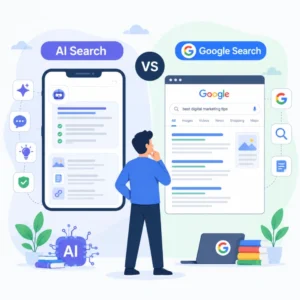
Google searching vs AI searching what are you actually doing? One hands you a shelf of links to browse. The other hands you a written answer and hides the shelf. That single difference changes how you type, what you trust and how long the task takes.
This guide breaks down the real mechanics of both: what happens when you hit enter on Google versus when you prompt a tool like ChatGPT, Perplexity or Gemini. We cover how each reads your words, where the answer comes from, and when one beats the other for daily work.
Key facts
- returns a ranked list of links you choose from
- AI search
- returns one synthesised answer built from many sources
- Google strength
- navigation, fresh facts, local results
- AI strength
- comparison, summary, multi-step questions
Google searching vs AI searching, what are you actually doing
With Google, you type a few keywords, scan a ranked list of ten or so blue links, and click the ones you trust. You do the reading and the judging. With AI search, you write a full-sentence question, and the tool reads dozens of pages then writes you one answer in plain language. You read one thing instead of ten.
The split is control versus speed. Google keeps you in charge of which source wins. AI search decides for you and saves the clicking. Google keeps you in control. AI search saves time. The job you are doing decides which one fits.
How each one reads your words
Google matches keywords and intent. You can drop full sentences into the box, but most people type three to five words: “razorpay kyc documents“, “best pizza near me”, “gst return due date”. Google’s index looks for pages that match those terms and rank well, then orders them by relevance, freshness and authority.
AI search reads your prompt as a request, not a set of keywords. It parses the whole sentence, works out what you want, and generates an answer. So the way you type changes. On Google you strip words out. On an AI tool you add them in. Context produces sharper answers.
Say you want to compare two payment gateways. On Google you type “razorpay vs cashfree fees” and open four tabs. On an AI tool you write “Compare Razorpay and Cashfree on transaction fees, settlement time and international payments for a D2C store doing ₹15 lakh a month.” The second gets you a table in one reply. The first gets you the raw material to build that table yourself.
Where the answer comes from
Google points you at the source. Every result is a link to someone’s page, and you can see the domain before you click. You know whether the answer is coming from the RBI, a Reddit thread or a random blog.
AI search hides most of that. Older models answered from training data alone, with no live sources. Newer ones like Perplexity and Gemini pull live pages and cite a few, but the answer is a blend. You often cannot tell which sentence came from which page. That is the trade. You save reading time and give up source-level control.
Watch out: AI answers can be confidently wrong. A model can invent a fee, a date or a rule that reads perfectly and does not exist. For anything with money or legal weight, check the source yourself before you act on it.
The daily jobs each one wins
Most searches fall into a handful of jobs, and each job has a clear winner.
| Job | Better tool | Why |
|---|---|---|
| Find a specific site or login | Fastest route to a known page | |
| Local lookup (shops, timings, maps) | Live local data, reviews, directions | |
| Breaking news or today’s price | AI training data lags; live index wins | |
| Compare 3 to 5 options | AI search | One answer instead of ten tabs |
| Summarise a long document | AI search | Reads and condenses in seconds |
| Multi-step or “explain like I’m five” | AI search | Holds context across the whole question |
| Fact you’ll act on with money | You can verify the source directly |
Google’s own AI Overviews now blur this line. You type a normal query and get an AI-written summary at the top, above the links. So even a plain Google search can hand you a synthesised answer before you reach the shelf.
What changes for your typing habits
The biggest daily change is prompt length. On Google, shorter is usually better. Extra words drag in off-topic pages. On AI search, longer is better, up to a point. You state the goal, the constraints and the format you want.
A few habits carry over from Google that still help on AI tools:
- State the format you want: “in a table”, “in five bullets”, “under 100 words”.
- Give the context Google would infer from your history: your city, your business type, your budget.
- Ask a follow-up instead of restarting. AI tools remember the last few turns; Google does not.
- Name the source you trust: “based on RBI guidelines” narrows an AI answer the way “site:rbi.org.in” narrows Google.
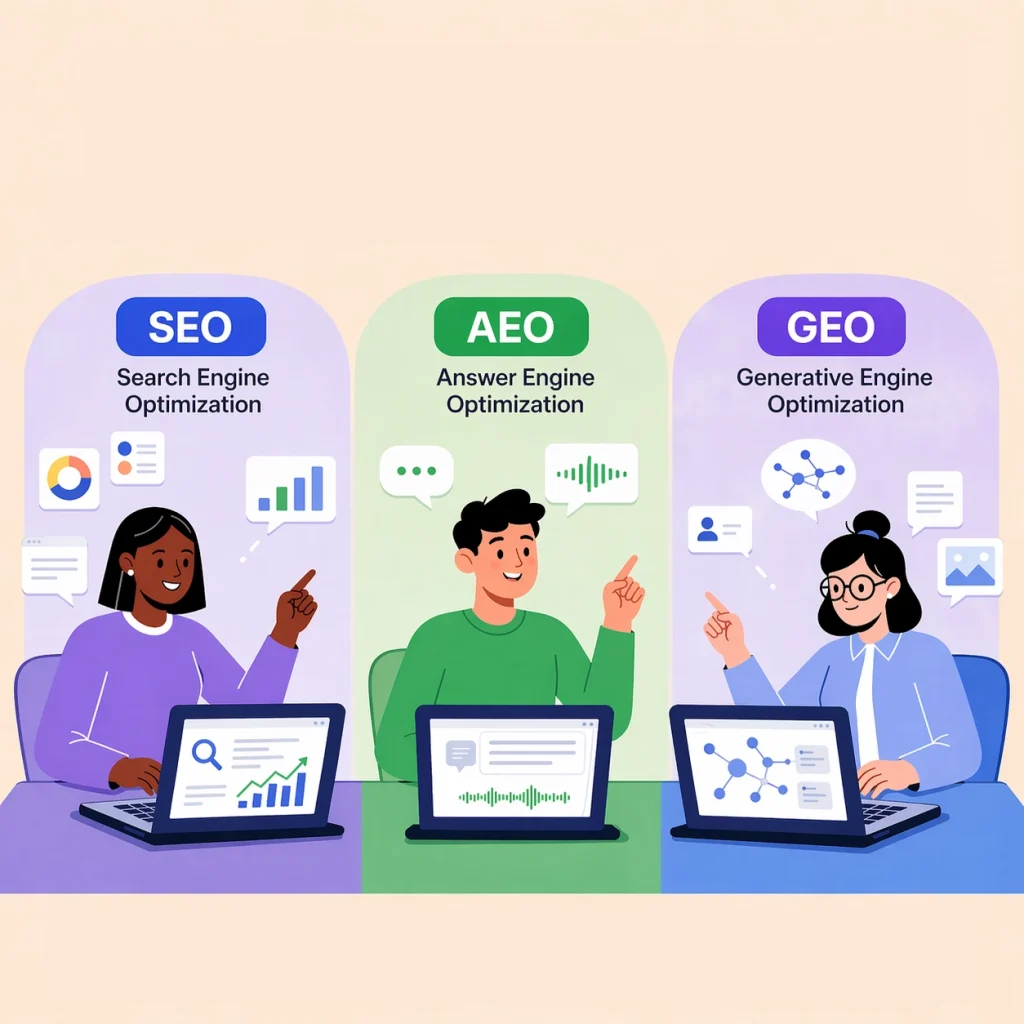
For how businesses are adapting content to both, our guide on SEO vs AEO vs GEO covers the movement from ranking links to earning the answer slot.
The zero-click problem you feel as a user
Both Google and AI search push toward zero-click answers, where you get what you need without visiting any website. AI Overviews and AI chat both aim to end the search on the results page itself.
As a searcher, that saves time. As a business, it is a real cost, because fewer people reach your site even when your content fed the answer. Google says AI Overviews still show links, and Google’s own documentation on AI features in Search explains how pages become eligible. The click-through gap is why our team now tracks citations and answer-slot appearances, not just rankings. If you want your pages cited by these tools, our walkthrough on how to rank on Perplexity AI is the practical starting point.
When the two tools work together
The fastest daily workflow uses both, not one. Start with AI search to get oriented on an unfamiliar topic, then switch to Google to verify the parts that matter and reach a specific source.
Say you are choosing a payment gateway. Ask an AI tool to compare three options and give you a shortlist with reasoning. Then Google the exact fee page, the KYC document list and recent Reddit complaints for the one you lean toward. AI gives you the map. Google gives you the ground truth.
If you are researching AI models for your own work, our comparison of Claude vs ChatGPT for business breaks down which one fits which task.
In 2026, the difference is knowing which box to type into for the job in front of you. Fresh, local or high-stakes goes to Google. Compare, summarise or explain goes to AI search. Everything else, try both and keep the one that answered faster. That is what Google searching vs AI searching actually comes down to in daily use.
Frequently asked questions
Is AI search replacing Google?
Not yet, and not fully. Google still handles navigation, local results and live data better than any AI tool, and it processes far more daily searches than AI chat tools combined. AI search is growing fast for comparison and summary tasks, and Google itself now bakes AI answers into results. The realistic outcome is both running side by side, each winning different jobs.
Can I trust an AI search answer without checking the source?
For casual questions, usually. For anything involving money, legal rules, medical advice or dates you will act on, no. AI models can state a wrong fee, deadline or regulation with total confidence. Tools like Perplexity show citations you can click to verify. Treat the AI answer as a draft and confirm the high-stakes parts against the original source.
Why does AI search sometimes give outdated information?
Many AI models answer partly from training data that has a cutoff date, so they may not know about changes made after that point. Tools that browse live pages, like Perplexity and Gemini, reduce this, but they can still miss very recent updates. For today’s price, breaking news or a rule that changed this week, a normal Google search is more reliable.
Should I type keywords or full questions into AI search?
Full sentences work far better in AI search. The tool reads your prompt as a request, so extra context sharpens the answer instead of muddying it. State your goal, any constraints like budget or city, and the format you want back. This is the opposite of Google, where three to five keywords usually beat a long sentence.
Does using AI search hurt my website traffic?
It can. AI answers and Google’s AI Overviews both aim to satisfy the searcher on the results page, so fewer people click through even when your content supplied the answer. This is the zero-click trend. The response is to optimise for citations and the answer slot, so your brand is named in the AI reply, not only to chase raw clicks.
What is the difference between Google AI Overviews and a chatbot like ChatGPT?
AI Overviews is a summary Google writes at the top of normal search results, above the usual links, using its live index. ChatGPT is a standalone chat tool where you hold a back-and-forth conversation. Overviews still show source links beside the answer; a chatbot may give one answer with limited or no visible sources depending on the model and settings.
Which is faster for everyday searches?
It depends on the task. Google is faster when you know roughly what you want and just need the right link, a login or a local result. AI search is faster when you would otherwise open five tabs to compare options or read a long document. If you find yourself opening many tabs, that is the signal to switch to AI search.
Do AI search tools track me like Google does?
They collect data too, though the model differs. Google ties searches to your account, location and ad profile to personalise results and target ads. AI tools log your prompts and conversations to improve their models unless you opt out in settings. Neither is anonymous by default. Check each tool’s privacy settings and turn off chat history retention if that matters to you.
Why do I get different answers from Google and an AI tool for the same question?
They work differently. Google shows you multiple sources and lets you judge, so you may see conflicting pages. An AI tool blends sources into one answer and picks a position, which can smooth over disagreement or pick up an error from a single weak page. When answers clash, trust the one where you can trace the source.